

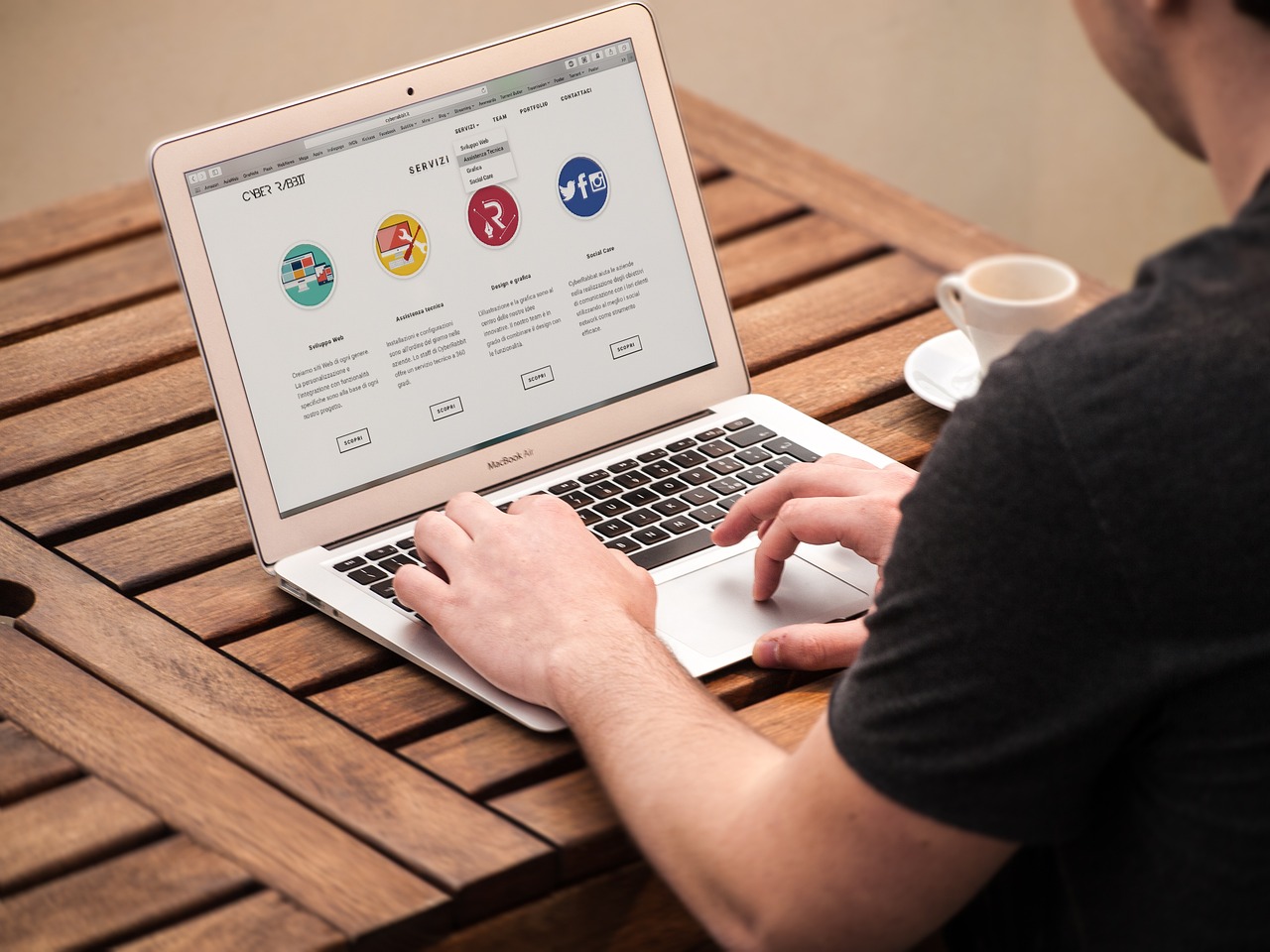
Designing a WordPress site can seem daunting at first, but it’s easier than you might think. WordPress is one of the most user-friendly and flexible platforms available, making it a popular choice for bloggers, businesses, and creatives. Whether you’re building a personal blog or a professional website, this guide will walk you through the essential steps to design a WordPress site that stands out.
- Define Your Purpose and Audience
Before diving into design, it’s crucial to understand your site’s purpose and target audience. Ask yourself:
What do you want to achieve with your site? (e.g., generate leads, sell products, share ideas)
Who is your ideal visitor? (e.g., professionals, hobbyists, students)
Your answers will influence your site’s layout, colors, and features. For example, an online store might require a clean design with a focus on product images, while a blog might prioritize readability and content organization.
- Choose a Domain and Hosting
Your domain name is your website’s address, so choose something memorable and relevant to your brand. Hosting is the service that stores your website’s data and makes it accessible online. Popular hosting providers like Bluehost, SiteGround, and WP Engine often offer one-click WordPress installation, making setup simple.
- Install WordPress
Most hosting providers include an option to install WordPress during setup. Once installed, you can log in to your WordPress dashboard (usually found at yourdomain.com/wp-admin) to begin customizing your site.
- Select a Theme
Themes dictate your website’s overall appearance and layout. WordPress offers thousands of free and premium themes to choose from. To select one:
Go to Appearance > Themes in your dashboard.
Click Add New to browse available themes.
Preview and activate a theme that fits your needs.
If you want more advanced customization, consider premium themes from marketplaces like ThemeForest or Kadence.
- Customize Your Theme
Once you’ve activated a theme, you can customize it to reflect your brand. Navigate to Appearance > Customize to edit elements like:
Site Identity: Add your logo, tagline, and favicon.
Colors and Fonts: Choose a color scheme and typography that align with your brand.
Menus: Create navigation menus to help visitors explore your site easily.
Widgets: Add functionality to sidebars and footers (e.g., social media links, search bars).- Install Essential Plugins
Plugins add functionality to your WordPress site without requiring coding. Here are a few must-haves:
Yoast SEO: Optimize your site for search engines.
Elementor or WPBakery: Drag-and-drop page builders for easy design.
WooCommerce: For creating an online store.
WPForms: Add contact forms for visitor inquiries.
Install plugins by navigating to Plugins > Add New in your dashboard.
- Design Key Pages
Every WordPress site needs a few essential pages:
Home Page: The first impression visitors get of your site. Use eye-catching visuals and clear calls to action.
About Page: Share your story or mission.
Contact Page: Include forms, email addresses, or location details.
Blog Page (if applicable): Display your posts in an organized and appealing format.
Use the WordPress Block Editor or a page builder plugin to design each page.
- Optimize for Mobile and Speed
A significant portion of web traffic comes from mobile devices, so your site must be responsive. Test your site on different screen sizes and devices. Additionally, optimize your site’s speed by:
Compressing images with plugins like Smush.
Using a caching plugin like WP Super Cache.- Launch and Promote Your Site
Before launching, review your site for errors, broken links, and typos. Once satisfied, share your site on social media, add it to your email signature, and promote it to your network.
Final Thoughts
Designing a WordPress site doesn’t require technical expertise, just a clear vision and the right tools. With WordPress’s flexibility and the steps outlined above, you can create a site that not only looks great but also meets your goals. Take it one step at a time, and soon, your WordPress site will be live and ready to impress!